For everyone
How to Print Coloring Pages That Look Great (Step-by-Step)
Paper, printer settings and a few small tricks for crisp lines, no cut-off edges and pages that take color beautifully.
Every page on CuriousColorStudio can be downloaded as a PDF and printed at home. It only takes a minute, but a few small choices make a big difference: crisp black lines, no edges cut off, and paper that doesn't pill or bleed when the markers come out.
Step 1: Pick the right paper
Plain copy paper works for crayons and quick coloring, but a slightly heavier sheet makes everything nicer.
Paper weights at a glance
- Everyday copy paper (75–80 gsm / 20 lb): fine for crayons and colored pencils, and cheap enough for little ones to go through a stack.
- Heavier paper (100–120 gsm / 24–32 lb): smoother, less see-through, and markers are less likely to bleed through. A great all-rounder.
- Cardstock (160–220 gsm / 60–80 lb): best for markers, paint sticks and pages you want to frame or hang. Check your printer can feed it first.
Tip: if you color with markers, slip a spare sheet underneath so nothing soaks through to the table.
Step 2: Download the PDF
Open any coloring page and press Download PDF. Our PDFs are sized to fit both US Letter and A4 paper, with a margin all the way round so home printers don't clip the edges.
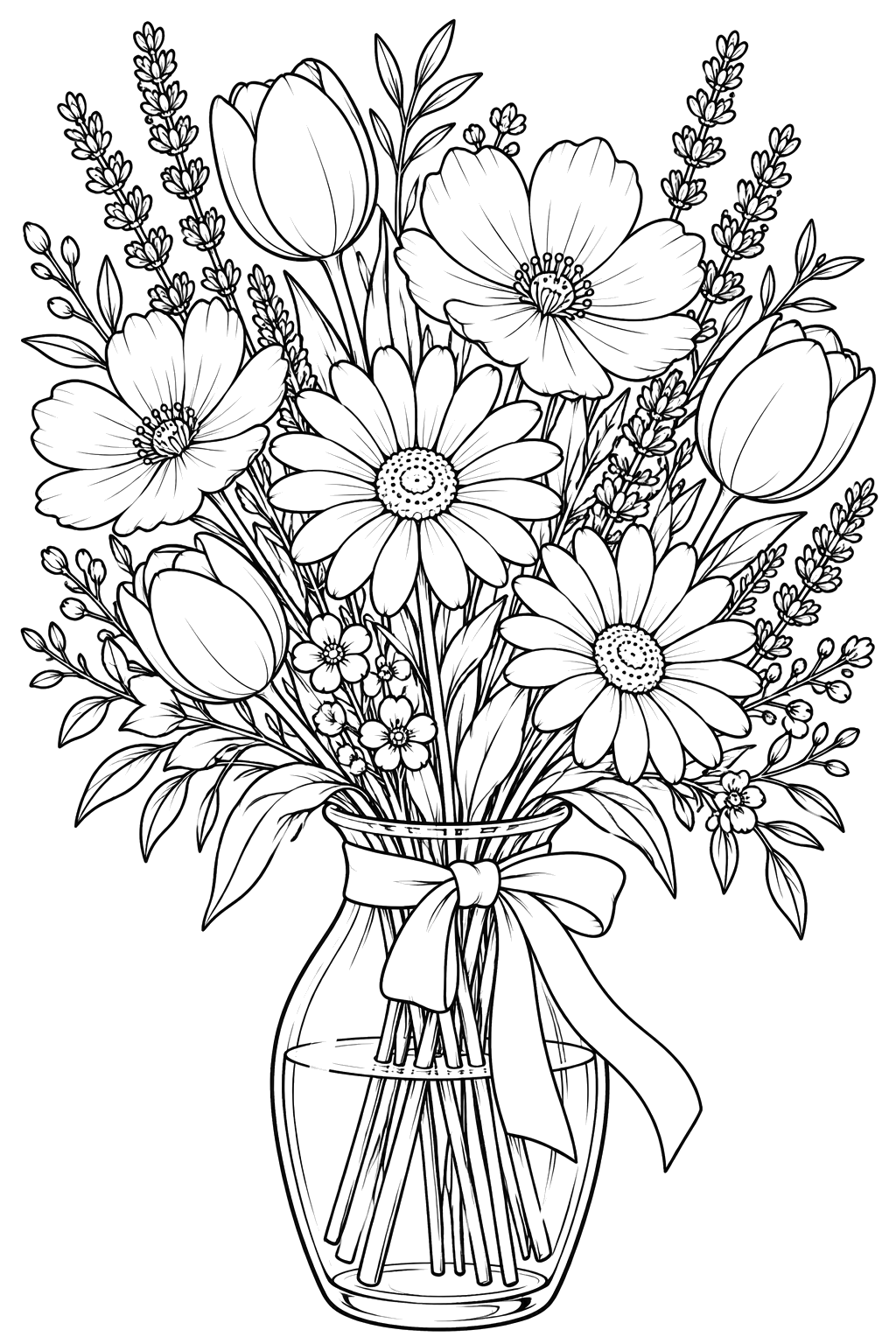
Step 3: Use these printer settings
- Scale: choose Fit to page (or Shrink to printable area), never Actual size if your printer trims edges.
- Orientation: portrait for almost every page.
- Color: select Black & white or Grayscale — it saves color ink and keeps the lines pure black.
- Quality: Standard is plenty. Draft can make thin lines look broken on detailed adult pages.
- Paper type: if you're using cardstock, tell the printer (often Heavy or Matte) so it feeds slowly.
Step 4: Print a test page first
Before printing a stack for a class or party, print one copy. Check that no lines are missing at the edges and that the thinnest lines on detailed pages look solid. If they look faint, switch the quality from Draft to Standard.
Common mistakes
1. Printing at "Actual size"
Some printers can't reach the very edge of the sheet, so part of the picture gets chopped off. Fit to page fixes it.
2. Using glossy photo paper
It looks tempting, but crayons slide off and markers smear. Matte paper takes color far better.
3. Printing intricate pages too small
Mandalas and detailed scenes are designed for a full sheet. Two-pages-per-sheet makes the spaces too tiny to color comfortably.
Ready to print?
Browse all coloring pages, or pick a theme like flowers or Halloween. Prefer not to print? Every page can also be colored online with a tap.